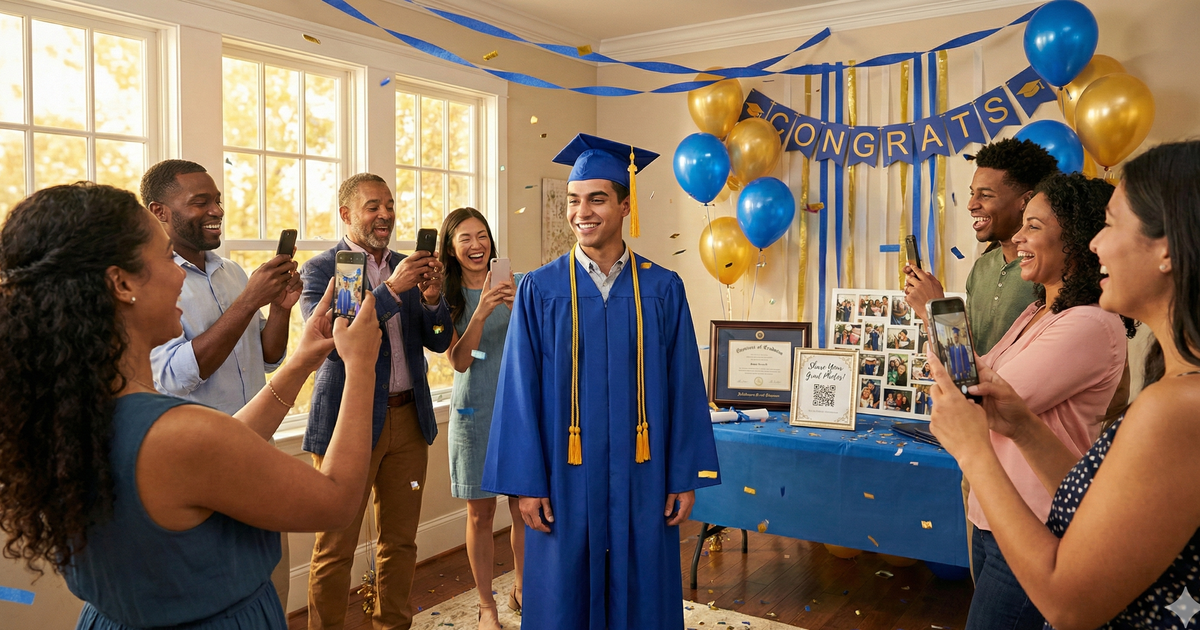
They did it. Years of hard work, late nights, and determination - and now it's time to celebrate. The graduation party is packed with proud family, friends, teachers, and classmates. Everyone's snapping photos. But here's what always happens: those photos end up scattered across dozens of phones, and the graduate never sees most of them.
It doesn't have to be that way. With a simple QR code setup, every guest can share their photos in seconds, and everything lands in one place automatically.
Here's exactly how to make it happen.
Why Graduation Photos Are Irreplaceable
Graduation is a milestone you only get a few times in life. High school, college, grad school - each one marks the end of a chapter that can never be repeated. And the guest list at a graduation party is unlike any other event. It's the one time classmates, family friends, teachers, coaches, and relatives are all in the same room together.
Think about the moments that happen at these parties. The group shot with childhood friends who are about to scatter across the country. The hug from a favorite teacher who made a difference. The proud grandparent wiping away tears. The silly candid with cousins. These moments can't be staged or recreated.
The problem is that the best photos are almost never on the graduate's phone. They're on Uncle Mike's phone, or a classmate's, or the neighbor's. And without an easy way to share, most of those photos stay right where they are - eventually forgotten or buried in someone else's camera roll.
A Once-in-a-Lifetime Guest List
Graduation parties bring together people from every part of the graduate's life - childhood friends, school friends, teammates, family, mentors. This exact group will likely never be in the same place again. The photos from this gathering are the only record of that unique moment in time.
The QR Code Solution
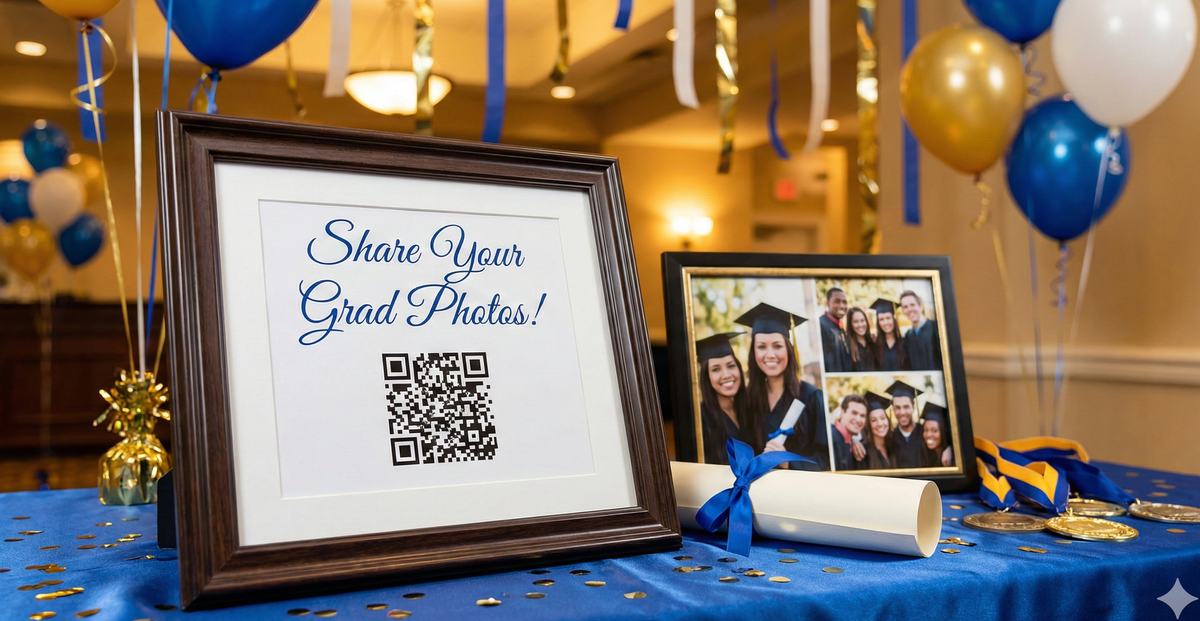
Here's how it works: you create a photo collection page with its own QR code. Print that code on a few signs and place them around the party. When guests want to share a photo, they scan the code with their phone camera, select their photos, and upload. That's it.
No app to download. No account to create. No group text to join. Just scan and share.
The best part? You can design the signs in your graduate's school colors and make them part of the party decor. They blend right in with the rest of the celebration.
Why QR Codes Beat Other Methods
QR Code Uploads
- Works on any smartphone
- No app or account needed
- Full quality photos
- All photos in one place
Shared Albums
- Requires specific app
- Account required
- Classmates won't bother joining
- iPhone/Android conflicts
Group Texts
- Photos get compressed
- Chaos with 40+ people
- Everyone sees phone numbers
- Hard to download all
Perfect for Any Graduation
This works for high school, college, grad school, even pre-K graduations. Whether it's a backyard cookout or a rented venue, QR codes make photo collection effortless. And since today's graduates grew up with QR codes, they'll be the first ones scanning.
How to Set Up Photo Sharing for Your Graduation Party
-
1
Create your event page
Go to sendittoyou.com/event and set up your photo collection page. Choose a custom URL like "sarahgraduates.sendittoyou.com" so it's easy to remember and share.
-
2
Download your QR code
After creating your event, you'll get a QR code image. This links directly to your upload page - guests scan it and they're ready to share.
-
3
Design signage in school colors
Make your QR code signs part of the decor. Use the graduate's school colors and make them match the party theme. They'll look like they belong rather than an afterthought.
-
4
Place signs at key spots around the party
Put QR codes where photos naturally happen: near the photo backdrop, by the food table, next to the achievement display, and at the entrance.
-
5
Have someone announce it or include it in the party program
A quick mention goes a long way. "We'd love to see your photos! Scan any of the QR codes around the party to share." You can also include the link in a printed program if you have one.
Where to Place Your QR Codes
Strategic placement makes a big difference in how many photos you collect. Think about where guests naturally take photos and where they pause:
- Achievement display table: Right next to the diploma, cap, photos, and awards - this is where everyone stops to look and snap a picture
- Photo backdrop or selfie station: If you've set up a backdrop with balloons or a banner, this is a must-have spot
- Food and drink area: People linger here and have their phones out already
- Entrance or welcome table: Catch guests as they arrive while the idea is fresh
- Guest book station: A natural pause point where people are already engaging with the party
- Near the cake: Everyone photographs the cake - make it easy to share those shots right then and there
Ready to collect your graduation party photos?
Set up your photo collection page in under 2 minutes. No app required for guests.
Create Your Event PageSign Wording Ideas
Your sign should match the energy of the celebration. Here are some options:
Celebratory
"We did it! Share your grad party photos with us! Scan with your phone camera - no app needed."
Simple & Clear
"Share your photos from today. Scan with your phone camera. No app needed."
Sentimental
"Help [Name] remember this day forever. Share your photos and we'll treasure them always."
Bonus Ideas for Grad Parties
Once you have a photo collection page set up, there's a lot more you can do with it:
- Share the upload link with guests who couldn't attend - they can still browse the celebration photos and feel included even from a distance
- Use collected photos to make a thank-you slideshow - a meaningful way to say thanks to everyone who came and celebrated
- Create a photo book as a going-away gift - if the graduate is heading off to college or a new city, a book of party photos from everyone who loves them is a gift they'll keep forever
- Include the QR code on the graduation party invitation - guests can bookmark the link early and be ready to upload on the day of the party
Frequently Asked Questions
Do guests need to download an app?
No. They scan the QR code with their phone's regular camera app, which opens a web page. They tap to select photos and upload directly. Works on any smartphone.
Will classmates actually use it?
Yes - today's graduates are the most phone-comfortable generation. QR codes are second nature to them. They've been scanning QR codes at restaurants, events, and school for years. If anything, they'll be the first ones sharing.
Can I see photos during the party?
Yes! You can check your event page anytime to see what's been uploaded. It's fun to peek during the party and see what moments guests are capturing from their perspective.
How do I get the photos afterward?
After the event you'll get an email with a link to your files. Open this on a laptop or desktop computer since there may be more photos than you want to save on your phone. Then one click on your link and you'll be asked where to save your files. Choose the folder on your computer and one-by-one all your photos will download without any further clicks or prompts from you.
How long are photos available?
Event pages include 30 days of storage (from date of purchase), plenty of time to download everything, make a photo book, create a slideshow, or put together a thank-you gift for the graduate.
Capture the Moment Before It's Gone
Graduation marks the end of one chapter and the start of another. The photos from this celebration capture a moment that will never come again - the graduate surrounded by everyone who helped them get there. Classmates who are about to go their separate ways. Teachers who shaped their journey. Family who's been there from the beginning.
Those people are all taking photos. Make it easy for them to share what they captured. Because a year from now, those candid shots from the party will mean more than any posed portrait ever could.
Capture the celebration
Set up photo sharing in minutes. Collect every guest photo automatically.
Create Your Event Page