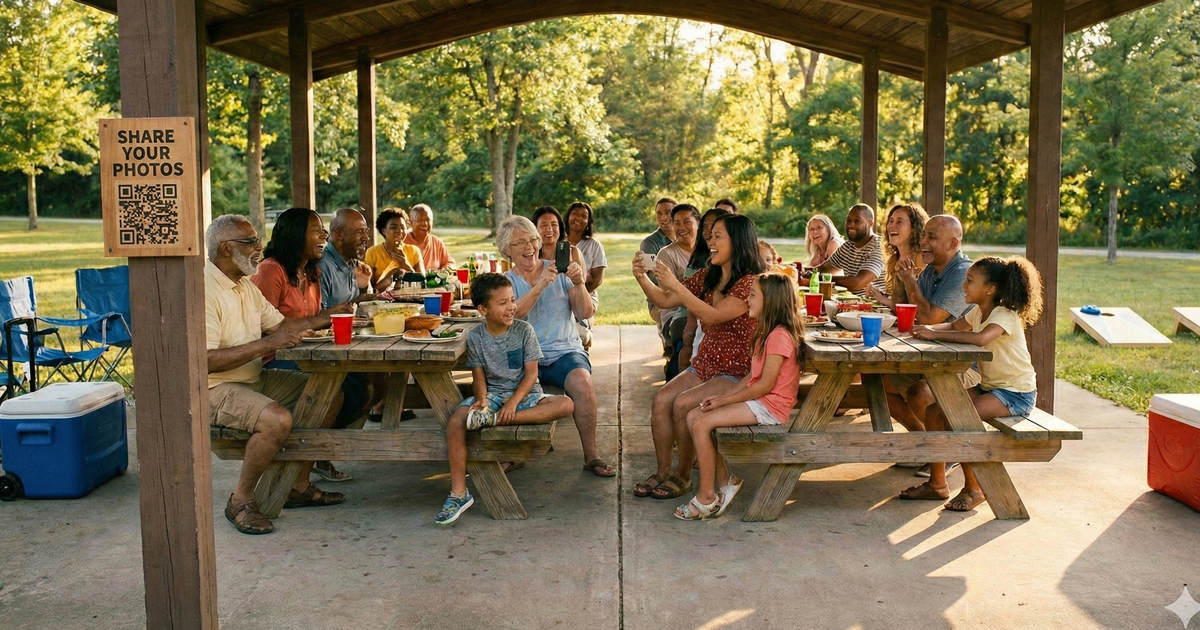
Family reunions are rare. You might get the whole family together once a year, maybe less. Cousins who haven't seen each other since last summer. Grandparents meeting the newest additions. Great-aunts pinching cheeks. Everyone's snapping photos throughout the day, but those photos end up scattered across 30 different phones, and most of them never get shared.
It doesn't have to be that way. With a simple QR code, every family member can share their photos to one central collection as the reunion happens. No group texts, no shared albums, no "I'll send those to you later" promises that never get kept.
Here's how to make it happen.
Why Reunion Photos Matter
These are the photos you can't recreate. The four-generation shot with great-grandma holding the baby. Cousins who grew six inches since last year standing back to back. The moment grandpa tells that story for the hundredth time and everyone still laughs. Uncle Mike finally learning how to do the electric slide.
Family reunions get harder to organize as families grow. People move to different states. Schedules get complicated. Kids grow up. Each reunion becomes more precious than the last, and the photos from these gatherings are the proof that your family showed up for each other.
Every Reunion Is Irreplaceable
Family dynamics change every year. Kids grow, new members join, and older generations won't be around forever. The photos from each reunion capture a version of your family that will never exist in exactly the same way again. Making sure those photos actually get collected and shared is worth the two minutes it takes to set up.
The QR Code Solution
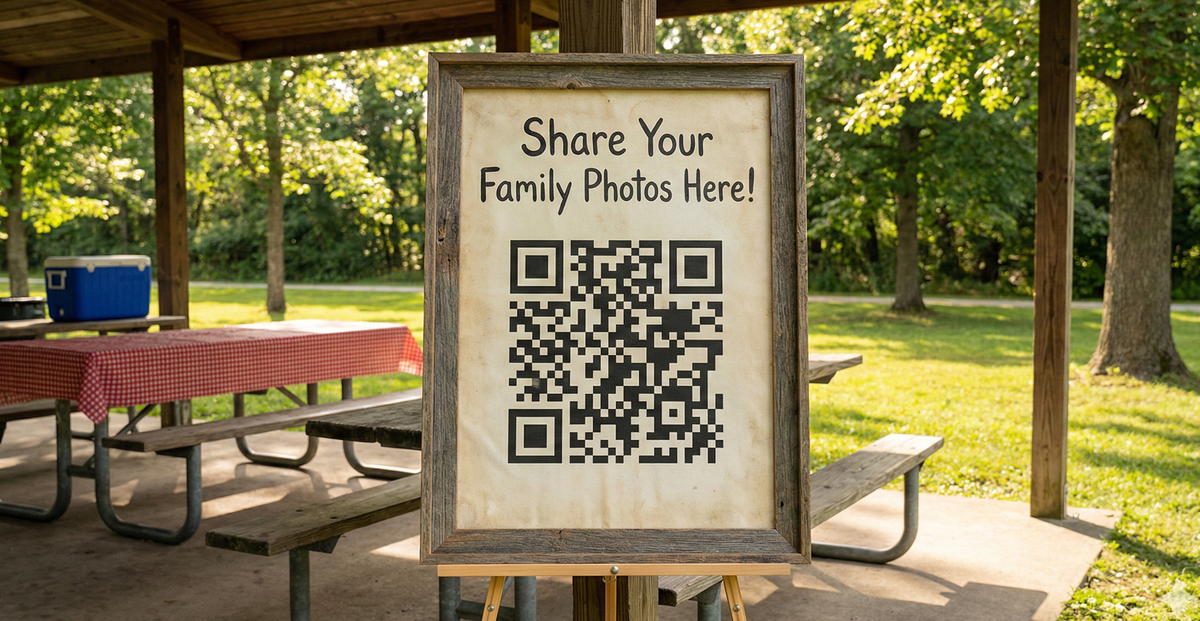
Here's how it works: you create a photo collection page with its own QR code. Print that code on a poster-sized sign and place it at the main gathering area. Family members scan the code with their phone camera, select their photos, and upload. That's it.
No app to download. No account to create. No group text to join. Works on every smartphone, whether it's an iPhone, Android, or that ancient phone your uncle refuses to upgrade.
Why QR Codes Work Better Than Other Options
QR Code Uploads
- Works on any smartphone
- No app or account needed
- Full quality photos
- All photos in one place
Shared Albums
- Requires specific app
- Account required
- iPhone/Android conflicts
- Half the family won't bother
Group Texts
- Photos get compressed
- Everyone sees phone numbers
- Messages pile up fast
- Green vs. blue bubble chaos
Spans Every Generation
Family reunions include everyone from teenagers to great-grandparents. QR codes work through the regular phone camera, which even the least tech-savvy family members know how to use. No new apps, no logins, no passwords. And teenagers? They'll upload more photos than anyone.
How to Set Up Photo Sharing for Your Reunion
-
1
Create your event page
Go to sendittoyou.com/event and set up your photo collection page. Choose a custom URL like "johnsonfamily.sendittoyou.com" so it's easy to remember and share.
-
2
Download your QR code
After creating your event, you'll get a QR code image. This links directly to your upload page where family members can share their photos.
-
3
Create a weather-resistant sign
Print your QR code poster-sized and laminate it. Reunions are often outdoors, so you'll want something that can handle a breeze, a splash, or an afternoon in the sun.
-
4
Place signs at key gathering spots
Put QR code signs where people naturally congregate: the main pavilion, near the food, at the kids' area, and wherever group photos are being taken.
-
5
Announce it early
Have someone mention it at the start of the reunion, or better yet, include it in the invitation. "We're collecting everyone's photos this year! Just scan the QR code at the reunion to share yours."
Where to Place QR Codes at a Reunion
Think about where people naturally gather and where photos are most likely to happen:
- Main pavilion or tent: This is home base where everyone passes through multiple times
- Food serving area: People linger here, and it's a natural spot to scan while waiting in line
- Kids' activity area: Parents are already taking photos of the kids playing together
- Group photo spot: After the big family photo, remind everyone to share their angle too
- Welcome or check-in table: Catch people as they arrive while the idea is fresh
- On printed programs: If you have a schedule or program, include the QR code right on it
Ready to collect your reunion photos?
Set up your photo collection page in under 2 minutes. No app required for guests.
Create Your Event PageBonus Ideas for Reunion Organizers
Want to take your reunion photo collection to the next level? Here are a few ideas:
- Share the upload link before the event: Include it in the pre-reunion email or group text so people can add throwback photos too. Old family photos mixed in with new ones make for an incredible collection.
- Create a photo book afterward: Use the collected photos to make a printed photo book as a surprise gift for the family elders. It's the kind of gift that ends up on the coffee table for years.
- Save photos for next year's invitation: The best photos from this year's reunion make perfect artwork for next year's save-the-date or invitation.
- Assign a teen as the "family photographer": Teenagers love having a role, and they're already glued to their phones. Ask one to encourage others to upload throughout the day. They'll take the job seriously.
Frequently Asked Questions
Do family members need to download an app?
No. They scan the QR code with their phone's regular camera app, which opens a web page. They tap to select photos and upload directly. Works on any smartphone, iPhone or Android.
What about grandparents who aren't tech-savvy?
If they can take a photo with their phone, they can share it. The QR code scanning is built into every modern smartphone camera. Show them once and they'll have it. Point the camera at the code, tap the link that appears, then choose their photos. Three steps, and they're done.
Can I share the photos with everyone afterward?
Yes! You can share the event page link with the whole family so everyone can view and download photos. You can also download the entire collection and distribute it however you'd like, whether that's email, a family group chat, or a shared drive.
Does it work outdoors?
Yes, as long as guests have cell service or WiFi. Most outdoor reunion venues like parks, backyards, and pavilions have decent cell coverage. Photos upload quickly even on a standard cellular connection.
How long are photos available?
Event pages include 30 days of storage from the date of purchase, plenty of time for even the most procrastinating family member to download everything.
Can multiple people upload at once?
Yes, there's no limit. Even if all 50 family members scan the code and upload at the same time, everything works smoothly. Each person's photos are added to the same collection automatically.
Every Family Deserves a Complete Photo Album
Family reunions are about connection. They're about seeing how the kids have grown, hearing the stories you've heard a hundred times, and reminding each other that this family, with all its quirks and chaos, is something worth gathering for.
The photos tell that story. The four-generation shot. The cousins' group selfie. The candid of grandma laughing so hard she's crying. These are the photos that get framed, printed in photo books, and pulled up on phones to show coworkers on Monday morning.
Don't let those stories stay trapped on individual phones. Make sharing effortless, and you'll have a collection of memories that the whole family can treasure for years to come.
Every family deserves a complete photo album
Set up photo sharing in minutes. Collect every family member's photos automatically.
Create Your Event Page