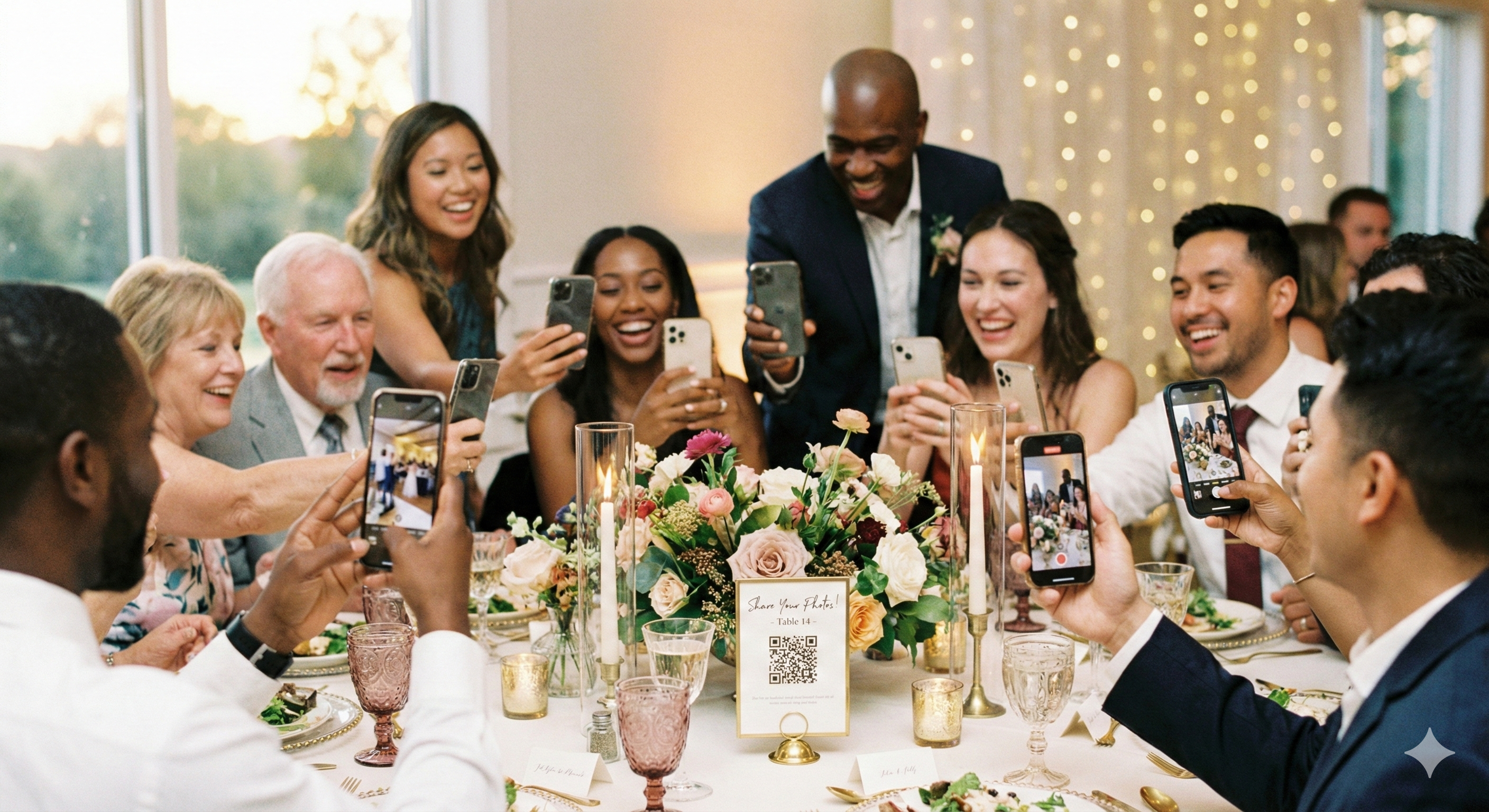
You spent months planning the perfect wedding. The ceremony was beautiful, the reception was a blast, and your guests captured hundreds of amazing candid moments on their phones.
Now comes the hard part: actually getting those photos.
If you've ever tried to collect photos from a group of people, you know how it goes. You create a hashtag, mention it once during the reception, and then... nothing. A few people post. Most forget. And those amazing shots of your grandmother dancing? Still sitting in someone's camera roll, destined to be deleted when they run out of storage.
There has to be a better way. Let's look at your options.
Option 1: Wedding Hashtags
The classic approach. Create a hashtag like #SmithJonesWedding2026, print it on some signs, and hope for the best.
The Reality
- Low adoption: Studies show only 10-20% of guests actually use wedding hashtags
- Private accounts: If a guest's Instagram is private, you can't see their posts
- Quality issues: Instagram compresses photos significantly
- No organization: Photos are scattered across the platform
- Expiration: Posts can be deleted anytime, stories disappear in 24 hours
Hashtags work great for visibility and social sharing, but they're not a reliable way to actually collect photos.
Option 2: Shared Photo Albums
Google Photos, iCloud, or Amazon Photos shared albums seem like the obvious solution. Create an album, share the link, done.
The Reality
- Account required: Guests need a Google/Apple/Amazon account
- App required: They need to download an app if they don't have it
- Confusing permissions: "Do I need to accept this invite first?"
- Mixed ecosystems: Your Android guests can't easily use your iCloud album
- Storage limits: Free tiers are shrinking, and large uploads can hit limits
If all your guests are tech-savvy and use the same ecosystem, shared albums can work. For most weddings with a mix of ages and tech comfort levels, it creates friction.
Option 3: Dedicated Wedding Photo Apps
Apps like The Guest, WedPics (now defunct), and others promise to solve this problem. Guests download the app, join your event, and upload photos.
The Reality
- App download required: This is the #1 barrier to participation
- Account creation: Many require guests to sign up
- Limited free tiers: Premium features locked behind subscriptions
- App fatigue: Nobody wants another app on their phone
The math is simple: every extra step you add cuts your participation rate in half. Download an app? Half your guests drop off. Create an account? Half again.
Option 4: Event Pages (No App Required)
A newer approach: create a simple web page for your event. Guests visit a link, upload photos directly from their browser. No app, no account, no friction.
How It Works
- You create an event page with a simple URL (like yournames.sendittoyou.com)
- Share the link via text, email, or a QR code at the event
- Guests tap the link and upload directly from their phone's camera roll
- All photos are collected in one place
- You download everything when the event ends
Why No App Matters
When you eliminate the app download, you remove the biggest barrier to participation. A guest can go from seeing your QR code to uploading a photo in under 30 seconds. That's the difference between 20% participation and 80% participation.
Comparison: What Actually Works?
| Feature | Hashtag | Shared Album | Photo App | Event Page |
|---|---|---|---|---|
| No app required | ~ | No | No | Yes |
| No account required | No | No | No | Yes |
| Full quality photos | No | Yes | Yes | Yes |
| Works for all guests | ~ | ~ | ~ | Yes |
| Easy bulk download | No | ~ | Yes | Yes |
| Guest participation rate | 10-20% | 30-40% | 20-30% | 60-80% |
Tips for Maximum Photo Collection
Whichever method you choose, here's how to maximize participation:
Make It Visible
Put your hashtag, QR code, or link everywhere: table cards, signs near the photo booth, on the bar, in the bathroom. People need multiple reminders.
Announce It
Have your DJ or MC mention it at least twice during the reception. Once during cocktail hour, once before dancing starts.
Make It Easy
QR codes work better than typed URLs. Test them yourself before printing to make sure they work.
Follow Up
Send a text or email the day after with the link. People are more likely to upload when they're looking through their photos the next morning.
Set a Deadline
Give people a timeframe: "Upload your photos by next Sunday!" Without a deadline, people procrastinate forever.
Ready to collect your wedding photos?
Create an event page in 2 minutes. No app for your guests to download.
Create Your Event PageThe Bottom Line
You shouldn't have to chase your guests for photos. The best solution is the one that requires the least effort from your guests while still collecting high-quality images.
For most weddings, that means:
- Skip the hashtag as your primary collection method (use it for social sharing instead)
- Avoid apps that require downloads or account creation
- Use a simple link that works on any phone, any browser
- Make it visible and remind people throughout the event
Your guests captured amazing moments. Make it easy for them to share those moments with you.