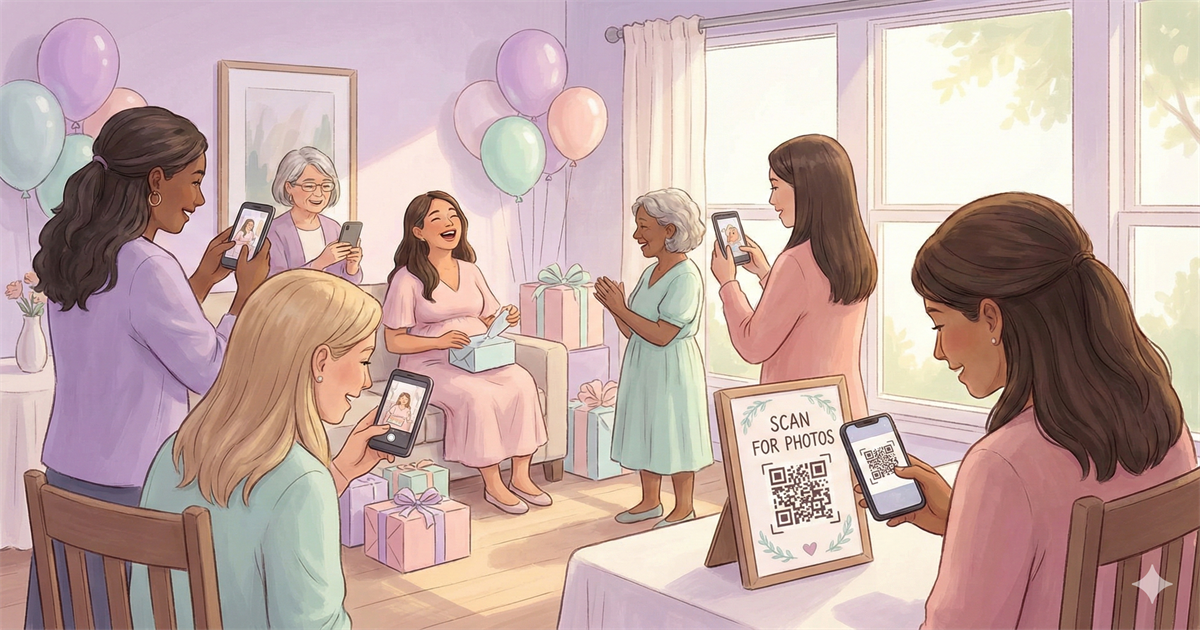
You're hosting a baby shower. Aunts are snapping photos of the gift unwrapping. Friends are capturing the mom-to-be's reactions. Someone got that perfect shot of the dessert table. But here's what usually happens next: those photos stay scattered across a dozen phones, and the parents-to-be never see most of them.
It doesn't have to be that way. With a simple QR code setup, guests can share photos as they take them, and everything lands in one place, automatically.
Here's exactly how to set it up.
Why Baby Shower Photos Matter More Than You Think
Baby showers are one of those rare moments where generations come together. Grandparents, college friends, work colleagues, neighbors, all in one room celebrating a new life. The photos from these gatherings become treasured keepsakes, especially for first-time parents who are about to be too exhausted to remember what day it is.
But here's the problem: the best photos are almost never taken by the host. They're taken by guests who catch those unscripted moments. The mom-to-be laughing at a onesie. The grandma wiping away a tear. The group of friends huddled around the ultrasound photo.
The Photo Collection Problem
Studies show that only about 15% of event photos ever get shared with the host. The rest stay locked on guests' phones, eventually forgotten or deleted. A simple photo-sharing system changes that completely.
The QR Code Solution
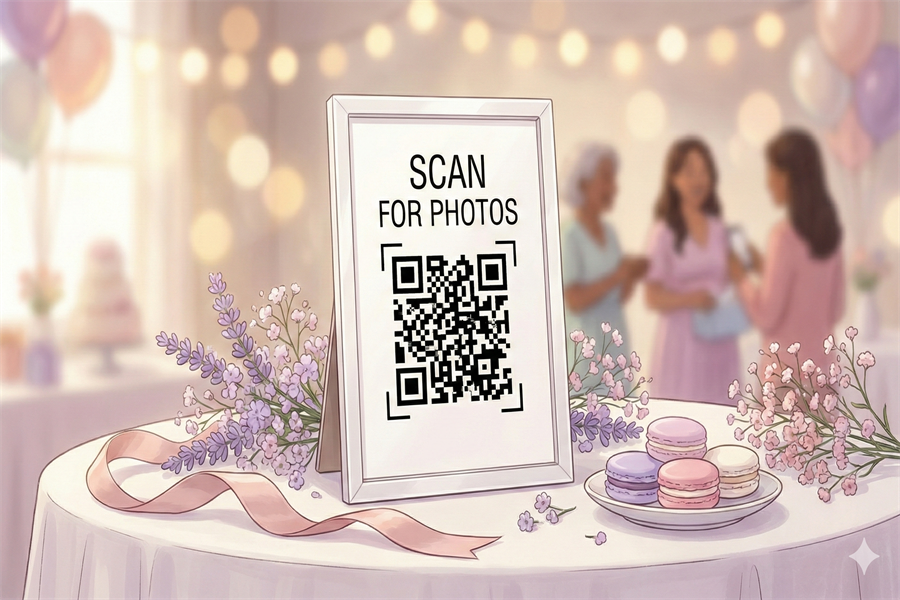
Here's how it works: you create a photo collection page with its own QR code. Print that code on a few cards and place them around the party. When guests want to share a photo, they scan the code, select their photos, and upload. That's it.
No app to download. No account to create. No group text to join. Just scan and share.
Why QR Codes Work Better Than Other Options
QR Code Uploads
- Works on any smartphone
- No app or account needed
- Full quality photos
- All photos in one place
Shared Albums
- Requires specific app
- Account required
- iPhone/Android conflicts
- Older relatives struggle
Group Texts
- Photos get compressed
- Everyone sees phone numbers
- Messages pile up
- Hard to download all
Perfect for Multi-Generational Guests
Baby showers often include grandparents and great-aunts who aren't comfortable with apps. QR codes work through the regular phone camera, something they already know how to use. Point, scan, upload.
How to Set Up Photo Sharing for Your Baby Shower
-
1
Create your event page
Go to sendittoyou.com/event and set up your photo collection page. Choose a custom URL like "sarahsbabyshower.sendittoyou.com" so it's easy to remember.
-
2
Download your QR code
After creating your event, you'll get a QR code image. This links directly to your upload page.
-
3
Create cute signage
Design a simple sign that matches your baby shower theme. Include the QR code and a friendly message like "Snap a pic? Share it with us!"
-
4
Place signs strategically
Put QR codes where photos happen: the gift table, dessert station, photo backdrop, and at least one in the main gathering area.
-
5
Mention it to guests
A quick announcement early in the party makes a huge difference. "We'd love to see your photos! Scan any of the QR codes around the room to share."
Baby Shower Sign Wording Ideas
Your sign should be friendly and clear. Here are some options:
Sweet & Simple
"Captured a cute moment? We want to see! Scan to share your photos with us."
Rhyming & Fun
"Snap a photo, make us smile, share it with us baby-style!"
For the Practical Host
"Share your baby shower photos here. Just scan with your phone camera. No app needed."
With a Personal Touch
"Help us remember every moment! Share your photos so [Mom's name] can enjoy them later."
Ready to collect your baby shower photos?
Set up your photo collection page in under 2 minutes. No app required for guests.
Create Your Event PageWhere to Place Your QR Codes
Strategic placement is everything. Think about where guests naturally take photos:
- Gift opening area: This is where the best candid shots happen
- Dessert and cake table: Everyone photographs the cake
- Photo backdrop or balloon display: Group photos and selfies galore
- Entrance table: Catch people as they arrive while it's fresh in their minds
- Guest book station: Natural pause point where people can scan
- On the favor table: Include a small card with each favor
Frequently Asked Questions
Do guests need to download an app?
No. They scan the QR code with their phone's regular camera app, which opens a web page. They tap to select photos and upload directly. Works on any smartphone.
What about older relatives who aren't tech-savvy?
If they can take a photo with their phone, they can share it. The QR code scanning is built into every modern smartphone camera. You might show them once, but it's genuinely simple.
Can I see photos as they're uploaded?
Yes! You can check your event page anytime to see what's been shared. It's fun to peek during the party and see what moments guests are capturing.
How do I get the photos afterward?
After the event you'll get an email with a link to your files. Open this on a laptop/desktop computer since there may be more photos than you want save on your phone. Then one click on your link and you'll be asked where to save your files. Choose the folder on your computer and one-by-one all your photos will download without any further clicks or prompts from you.
What if someone uploads something inappropriate?
You have full control. You can view all uploads and remove anything you don't want before sharing the collection with the parents-to-be. Simply put your mouse over any image and you'll see a delete button.
How long are photos available?
Event pages include 30 days of storage (from date of purchase), plenty of time to download everything and create a keepsake album for the new parents.
A Gift That Keeps Giving
Here's a bonus idea: collecting baby shower photos isn't just about capturing the party. Those same photos become perfect for a baby book, nursery slideshow, or even a surprise gift for the new parents.
Imagine handing them a photo book a month after the baby arrives, filled with pictures they never knew existed, candid shots of everyone who loves them, celebrating before their little one arrived.
That's the kind of gift that matters. And it starts with making photo sharing effortless.
Make sure no moment gets lost
Set up photo sharing in minutes. Collect every guest photo automatically.
Create Your Event Page